Density Events Define the Thermal Architecture
When 15,000 smartphones simultaneously authenticate during move-in weekend, the access point’s power amplifier and baseband processor enter a thermal runaway cycle that lasts hours, not minutes. Enterprise campus connectivity hardware typically throttles radio output when junction temperatures exceed 85°C to protect the SoC. On campus, that throttling drops client associations precisely when density peaks.
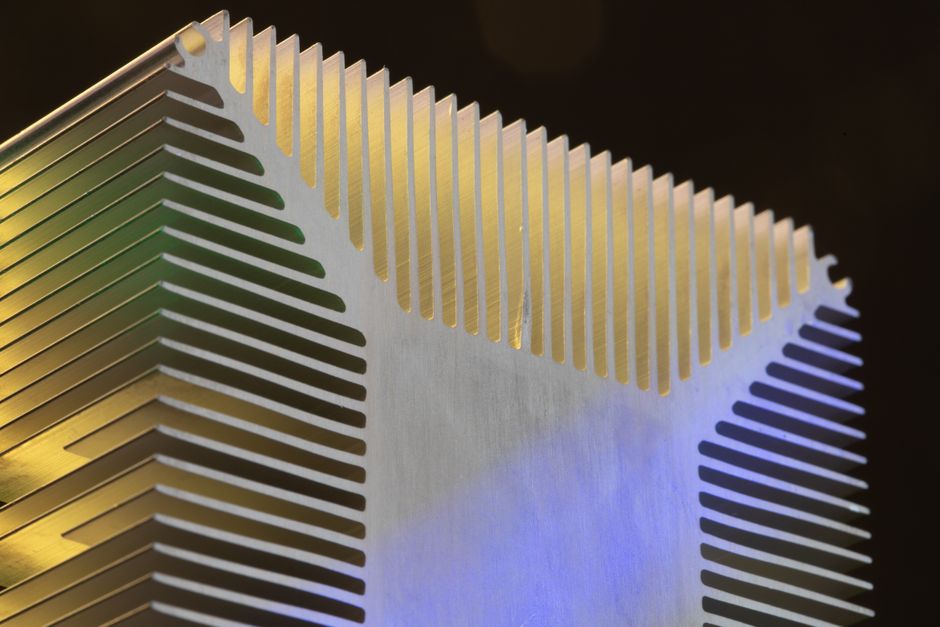
The enclosure must function as a thermal buffer rather than merely a weather shield. Aluminum castings or ceramic-filled polymers with specific heat capacities above 900 J/kg·K absorb the transient energy of registration week without the rapid temperature cycling that destabilizes radio frequency oscillators. This shifts the design focus from steady-state thermal resistance to thermal mass—delaying the temperature rise long enough for the density event to subside. A stadium campus device built with thin ABS plastic will throttle within twenty minutes of kickoff; one engineered with magnesium chassis and phase-change materials maintains calibration through four quarters of burst traffic.
Antenna Geometry Must Solve the Handoff Problem
Thermal stability preserves signal integrity, but session persistence depends on how quickly the radio detects the next access point as users move. Campus users traverse RF boundaries at walking speed—exiting concrete parking structures into open plazas, descending into basement labs, crossing quads between lecture halls. Standard omnidirectional antennas assume clients remain stationary.
Large venue connectivity devices require polarization diversity and directional sub-arrays physically arranged to minimize the dead zones created by human body absorption. When a student walks between buildings carrying a laptop at hip level, the 2.4 GHz signal encounters 20-30 dB of shadowing from their own body. Antenna modules positioned for ceiling mounting in offices become blind spots at walking height in corridors. The industrial design must incorporate multiple RF chains with spatial separation that accounts for the multipath interference of concrete and glass, not just drywall. This means the enclosure’s internal volume and mounting geometry directly determine handoff latency—decisions made in CAD during week three lock in whether sessions drop during the ten-second transition between APs.
Enclosure Materials Determine Multi-Path Resilience
The materials that manage thermal loads inevitably interact with the antenna pattern. Metal enclosures provide heat sinking but create near-field detuning if placed within a quarter-wavelength of the radiating element. Campus network device design requires dielectric materials with low loss tangents that maintain RF transparency while conducting heat—ceramics or specialized thermally conductive plastics that cost five times standard PC-ABS but prevent the pattern distortion that triggers roaming failures.
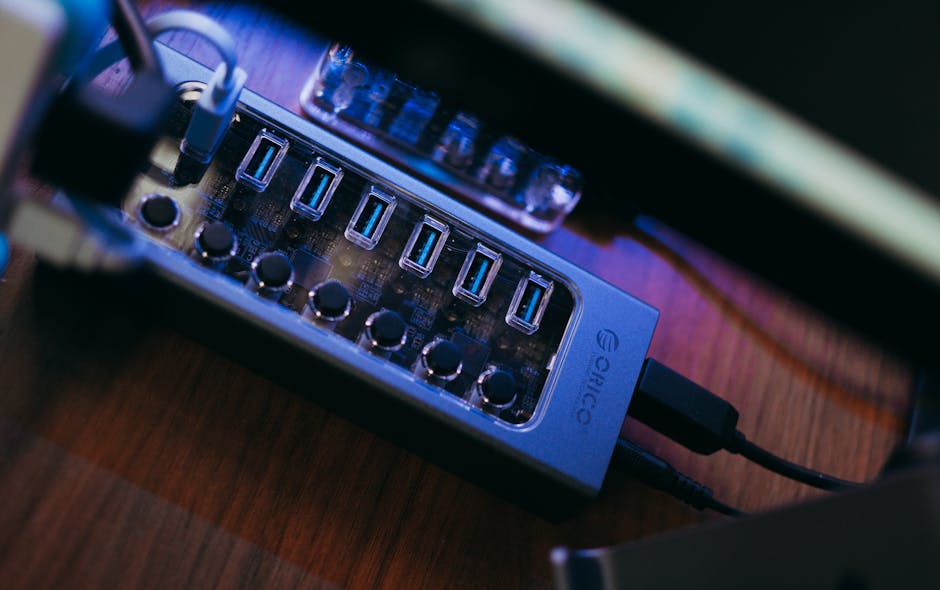
Photo by FOX ^.ᆽ.^= ∫ on Pexels
Gasket materials and wall thickness become signal integrity variables. A 2 mm variation in enclosure wall thickness shifts the resonant frequency of internal antennas by measurable megahertz. In stadium deployments where devices mount to steel beams or concrete overhangs, the grounding topology and stray capacitance of the mounting hardware alter the radiation pattern. Campus network management hardware must be validated as a complete mechanical system—radio plus enclosure plus mounting bracket—not as a standalone circuit board. A design that tests perfectly in a plastic fixture fails when clamped to a metal stadium truss because the ground plane changes.