Status Indicators That Match User Questions, Not Engineering Diagnostics
Treating each support call as a design failure means redesigning how devices communicate health. Technician diagnostics use rapid blinking patterns to convey specific error codes; users interpret any irregular blinking as malfunction. Support-reducing device UX requires mapping indicators to actionable user states rather than system states. A solid green light should mean “you can stream video now,” not merely “DHCP lease acquired and DNS resolved.” When Starlink’s residential terminal displays a single white LED, it communicates connectivity through radical simplicity rather than diagnostic granularity. Conversely, many cable modems blink amber during routine channel bonding updates—a state that generates thousands of unnecessary truck rolls annually. Every LED color or pattern must justify itself by answering a question the user actually asks, not one the engineering team needs to debug during manufacturing.
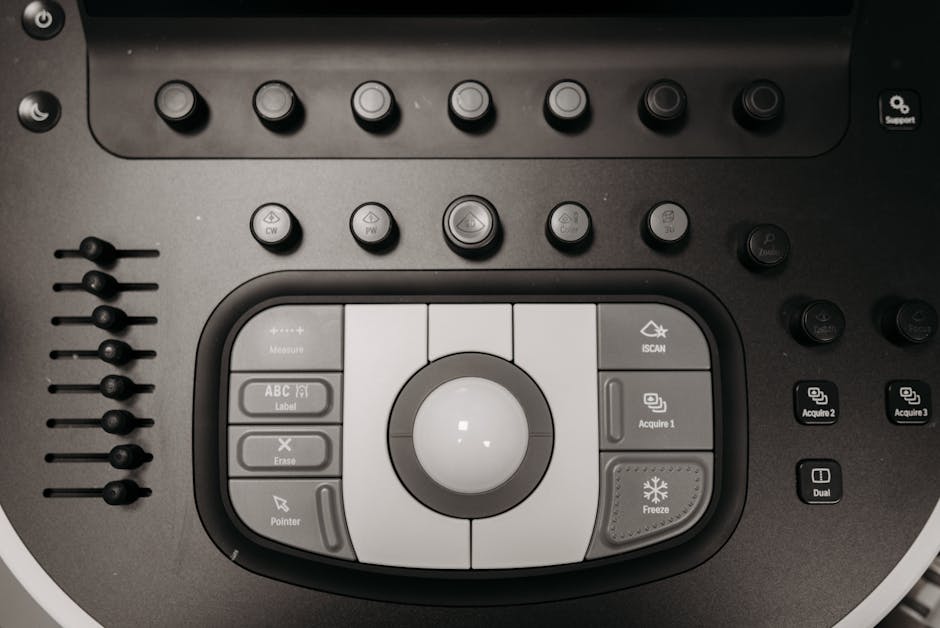
Photo by Pavel Danilyuk on Pexels
Self-Diagnostic Hardware That Extends User Patience
The most expensive support calls occur during transient states that resolve automatically. A firmware update or tower handoff triggers panic because the device appears unresponsive or “broken.” Self-diagnostic device design must distinguish between “working on a solution” and “requires your intervention” through physical language. Progress indicators—animated light sequences, e-ink displays showing “Optimizing connection,” or haptic feedback patterns—signal that the device is managing complexity rather than failing. This prevents the user from power-cycling during critical updates, which actually corrupts firmware and converts a self-resolving transient into a bricked unit requiring replacement. Physical indicators must extend the user’s patience window to match the system’s recovery time, typically thirty to ninety seconds for network reacquisition.
The Boot Sequence as Critical Moment of Use
Most preventable calls originate in the half-minute after a user plugs in or reboots their equipment. During boot sequences, modems cycle through hardware checks, signal acquisition, and authentication—each phase with its own blink pattern that reads as erratic instability to untrained eyes. The specific moment matters: standing in a living room at 8 PM, watching a device blink in silence while family members ask why the internet is down. This determines whether your support line rings. Google Nest Wifi uses pulsing blue lights during setup that transition smoothly to solid status, providing narrative continuity that reduces anxiety—a lesson that translates directly to cable and fiber CPE. Intuitive telecom hardware treats boot sequences as critical user experience moments, not merely technical initialization.

Photo by Mikhail Nilov on Pexels
Physical Affordances for Self-Service Troubleshooting
When connectivity fails, users cannot access web-based troubleshooting guides because the network is down. Support-reducing device design must embed the manual into the hardware itself. Physical affordances—recessed reset buttons that require intentional action rather than accidental bumps, QR codes etched into housings that link to offline-first mobile guides, or simple LED-plus-iconography systems—enable self-service resolution without functional connectivity. A reset button placed flush with the housing prevents accidental factory resets during dusting, eliminating an entire category of “my settings disappeared” calls. The depth of that button, the contrast ratio of status icons, and the tactile differentiation between power and WPS buttons determine whether a user solves their own problem or ties up a support agent for fifteen minutes.