Sustained Throughput Generates Heat That Degrades Signal
Moving primary connectivity off the motherboard and into a pocket changes the duty cycle from intermittent to continuous. A laptop’s integrated modem can rely on the chassis as an infinite heat sink. A portable 5G router cannot. Under carrier aggregation, a 5G modem draws six to ten watts continuously, three to four times the thermal load of comparable LTE chipsets. That energy concentrates in a footprint smaller than a postage stamp.

Photo by Jakub Zerdzicki on Pexels
When junction temperatures climb past 85°C, modems throttle. Throughput drops. For remote workers uploading raw video or maintaining encrypted tunnels to corporate servers, throttling equals a dropped connection. The design response is rarely a bigger fan. Active cooling pulls dust through intake vents and creates acoustic noise that violates the conference call etiquette these devices are meant to enable. Instead, the thermal path must conduct heat away from the modem and spread it across the enclosure without creating RF interference, a constraint that determines every subsequent layout decision.
Plastic Thickness Determines Your Coverage Pattern
Heat must radiate somewhere, but the enclosure is also the boundary for electromagnetic propagation. Millimeter-wave 5G signals at 28 GHz attenuate approximately three decibels per millimeter of ABS or polycarbonate. A housing wall chosen for drop protection can halve effective range. Industrial design and RF engineering cannot be separated in 5G mobile hotspot design.
Netgear’s Nighthawk M6 Pro and Huawei’s 5G Mobile WiFi Pro both use composite enclosures with selective metallization, but they solve the trade-off differently. The Nighthawk prioritizes thermal venting along the sides, accepting occasional shadowing of sub-6 GHz antennas depending on hand placement. Huawei opts for a thicker aluminum mid-frame that conducts heat and serves as antenna ground plane, keeping plastic skin thickness minimal around mmWave modules—a choice that preserves high-band performance at the cost of active cooling complexity. Neither approach is universal; the correct geometry depends on whether your user profile prioritizes outdoor range or indoor sustained throughput. Wall thickness is a link budget calculation, not a durability specification.
Battery Chemistry as Thermal Ballast
If venting compromises water resistance and metal enclosures block high-band signals, the remaining thermal mass is the battery itself. Lithium polymer pouch cells possess thermal conductivity roughly an order of magnitude higher than air but lower than aluminum. Positioned beneath the modem, a dense battery pack absorbs transient heat spikes during peak upload cycles, delaying the onset of throttling by several minutes.
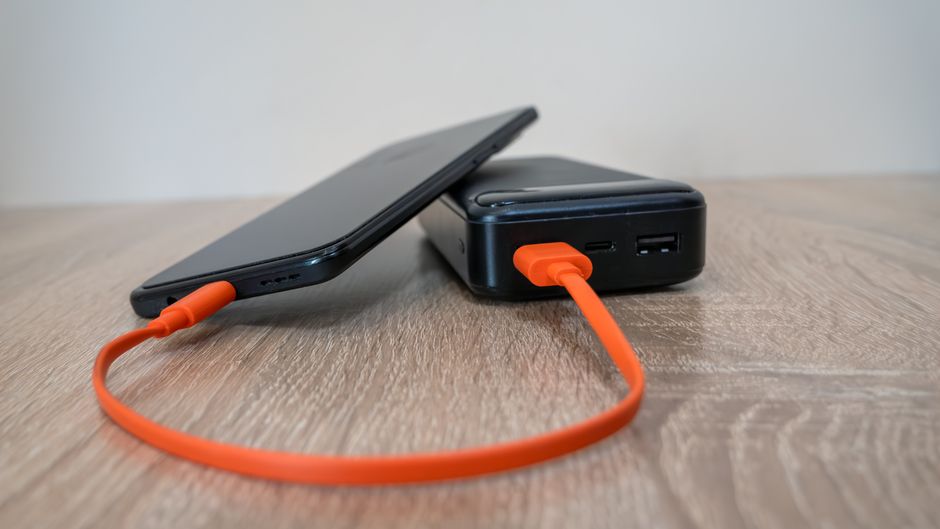
Photo by Eleonora Vokueva on Pexels
This changes the chemistry selection. High-energy-density silicon-anode cells run hotter and degrade faster when used as thermal buffers. For enterprise hotspot designs, the safer play is slightly lower density LCO or NMC pouch cells with robust ceramic separators. The weight penalty is real. A 5000 mAh thermal ballast adds 40 grams against a 3000 mAh energy-dense alternative. But for the remote worker running eight-hour production schedules, those 40 grams buy two additional hours of unthrottled uplink before the device has to retreat to a cool-down cycle.
The Moment of Failure: When the Client Call Drops
Technical specifications collapse into user experience at the worst possible moment. The device sits in a bag, tethered via USB-C to a laptop, generating heat while the user presents to a client over video. There is no indication that the modem is approaching thermal limits until the connection stutters. By then, the only recovery is to power cycle and wait.
Hotspot interfaces must communicate thermal state as network health. An LED that shifts from blue to amber when approaching throttle temperature gives the user agency to move the device to airflow or disconnect unused bands. Enterprise variants need administrative locks that prevent users from forcing mmWave connections in high-temperature environments where sub-6 GHz would remain stable. Inseego’s MiFi X Pro handles this through a companion app that surfaces modem temperature alongside signal strength, treating thermal headroom as a first-class network metric. Consumer devices that hide this data create support tickets that blame the carrier for hardware thermal limits.